🏆 Expert Verdict & Overview
SoundType AI - Voice To Text emerges as a high-performance contender in the competitive productivity landscape, specifically targeting the bottleneck of manual transcription. By leveraging an AI model trained on over 680,000 hours of multilingual data, the app transcends simple dictation to provide a sophisticated audio intelligence platform. It distinguishes itself by offering more than just text output; it provides context through AI-generated summaries and interactive Q&A features, making it a comprehensive tool for professionals who need to extract actionable insights from meetings, interviews, and lectures.
🔍 Key Features Breakdown
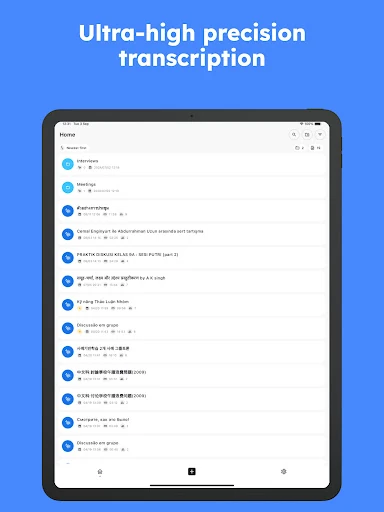
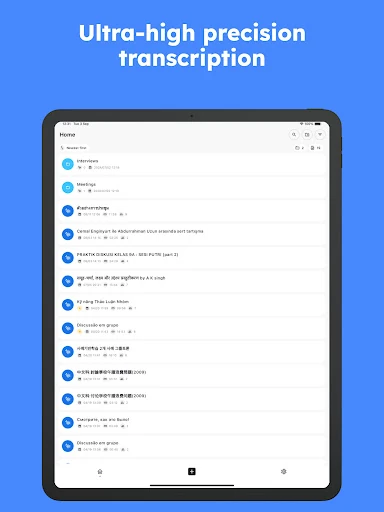
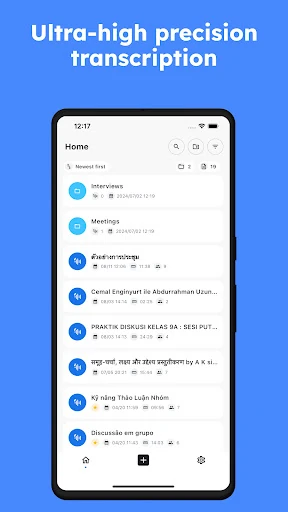
- AI-Powered Transcription Accuracy: Utilizes a massive dataset to ensure high precision in converting spoken words to text, significantly reducing the time spent on manual corrections.
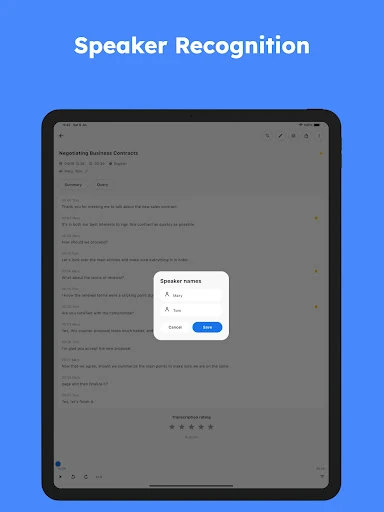
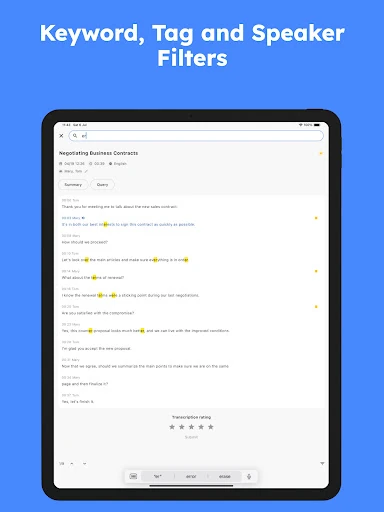
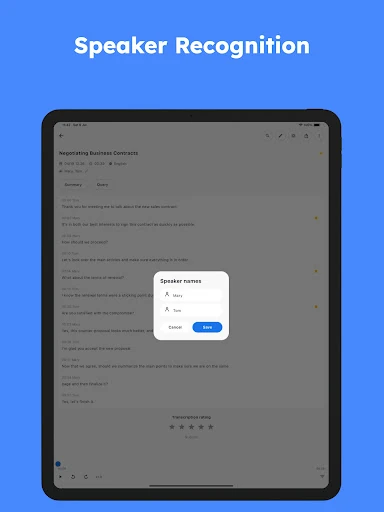
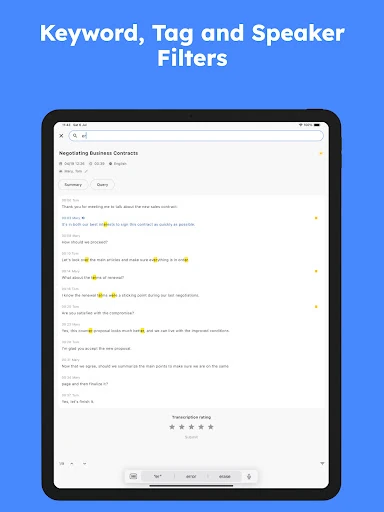
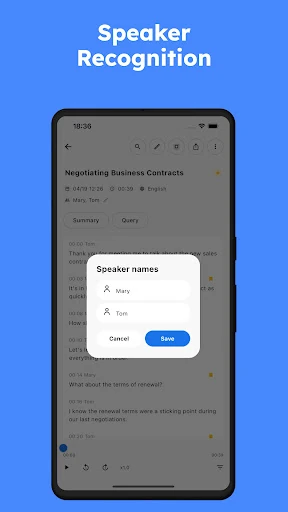
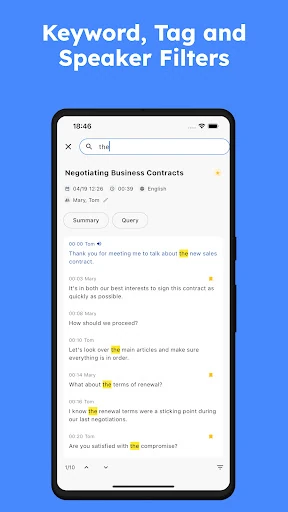
- Multi-Speaker Identification: Automatically detects and labels different participants in a conversation, which is essential for maintaining the narrative flow in group meetings or journalistic interviews.
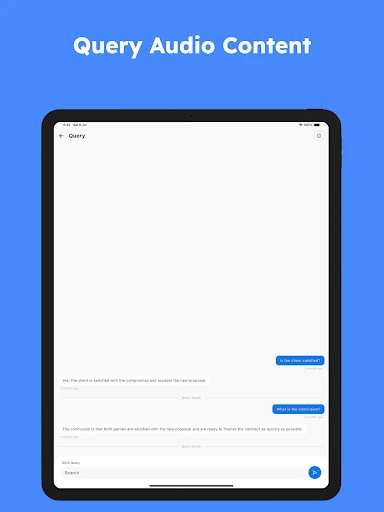
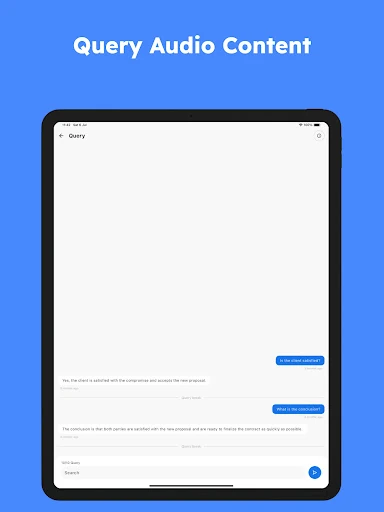
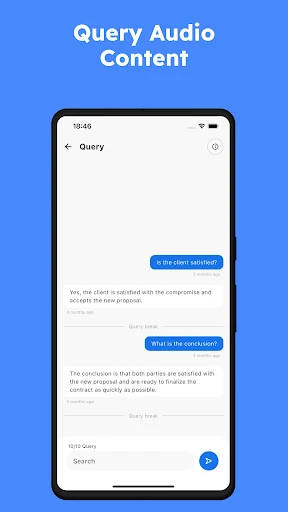
- Interactive Audio Q&A: Allows users to "chat" with their recordings, enabling them to ask specific questions and receive answers based on the transcript content without re-listening to the entire file.
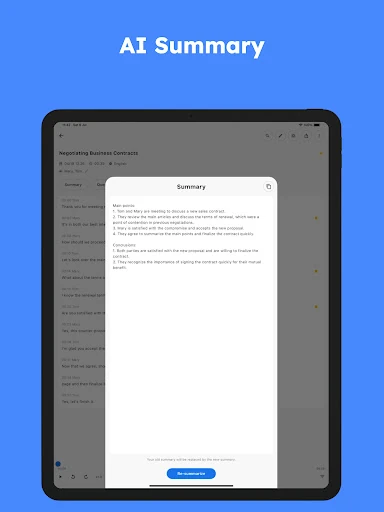
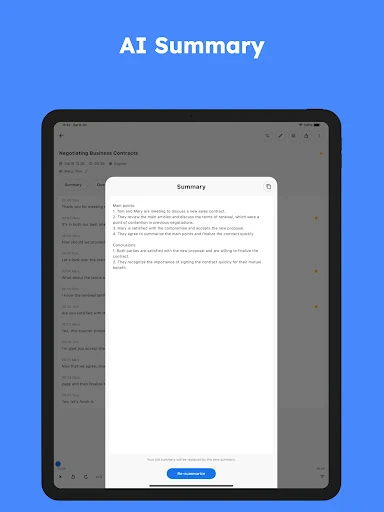
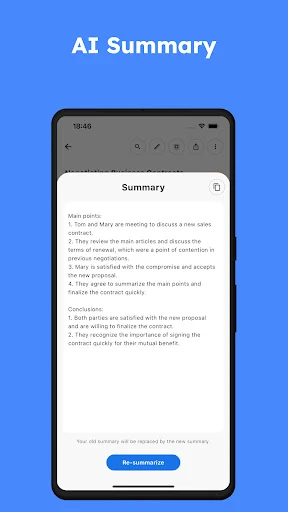
- Automated Summarization: Distills lengthy recordings into concise highlights and key points, solving the problem of information overload for busy professionals.
- Global Language Support: Supports over 90 languages and dialects, making it a versatile tool for international business, research, and language learners.
🎨 User Experience & Design
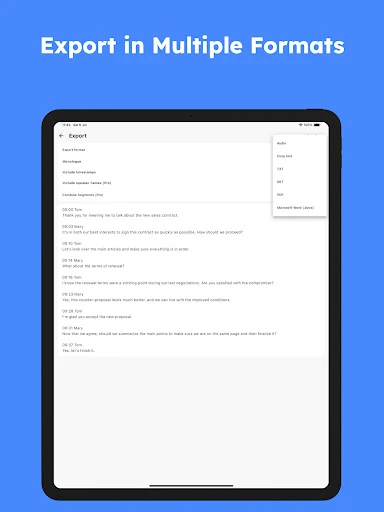
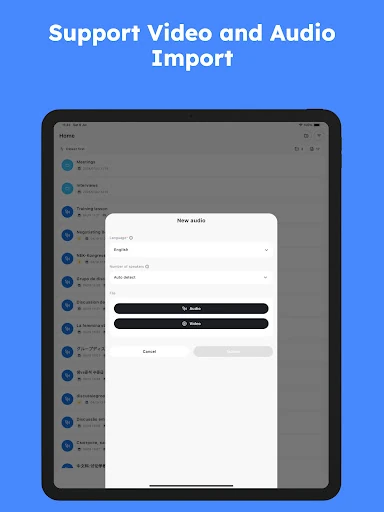
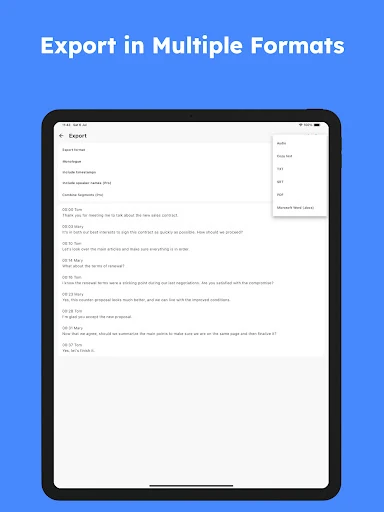
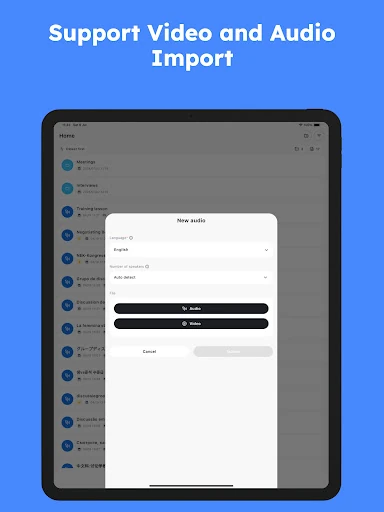
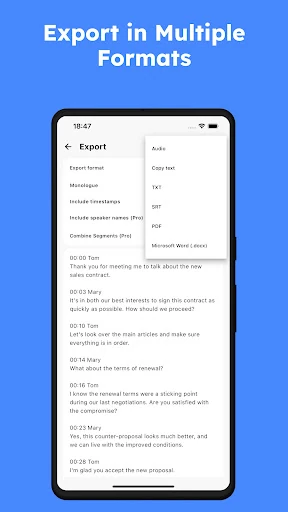
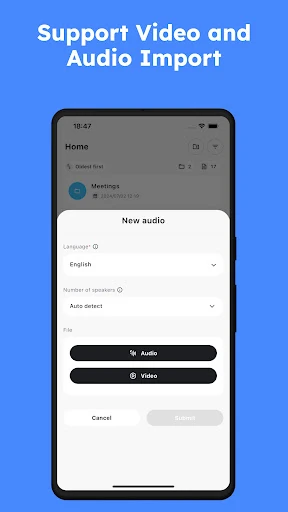
The interface of SoundType AI - Voice To Text is designed with a "utility-first" philosophy common in high-end productivity apps. The workflow is streamlined to minimize friction, allowing users to quickly choose between recording live, uploading files, or importing directly from YouTube. The inclusion of speaker tags and structured text blocks ensures that the UI remains legible even during long-form transcriptions. By integrating the AI chat and summary tools directly into the transcript view, the app provides a cohesive workspace that feels intuitive rather than cluttered.
⚖️ Pros & Cons Analysis
- ✅ The Good: Exceptional accuracy across multiple languages and accents.
- ✅ The Good: Versatile import options, including direct YouTube link processing.
- ❌ The Bad: Mandatory internet connection limits usability in remote areas or high-security offline environments.
- ❌ The Bad: Processing very long audio files can be resource-intensive and dependent on server load.
🛠️ Room for Improvement
To further solidify its position as a market leader, SoundType AI could benefit from an "Offline Mode" that allows for basic dictation without a data connection. Additionally, integrating directly with popular calendar and video conferencing tools (like Zoom or Microsoft Teams) to automatically import recordings would streamline the professional workflow. Enhancing the text editor with more robust formatting tools and a "Find and Replace" feature for specific terminology would also improve the post-transcription experience.
🏁 Final Conclusion & Recommendation
SoundType AI - Voice To Text is an essential tool for journalists, researchers, students, and corporate professionals who handle high volumes of verbal information. Its ability to not only transcribe but also synthesize and interact with audio data sets it apart from standard voice-to-text utilities. We highly recommend this app for anyone looking to optimize their workflow and turn spoken content into organized, searchable, and summarized documentation.